
Boxes, mailers, labels — with their own stock.
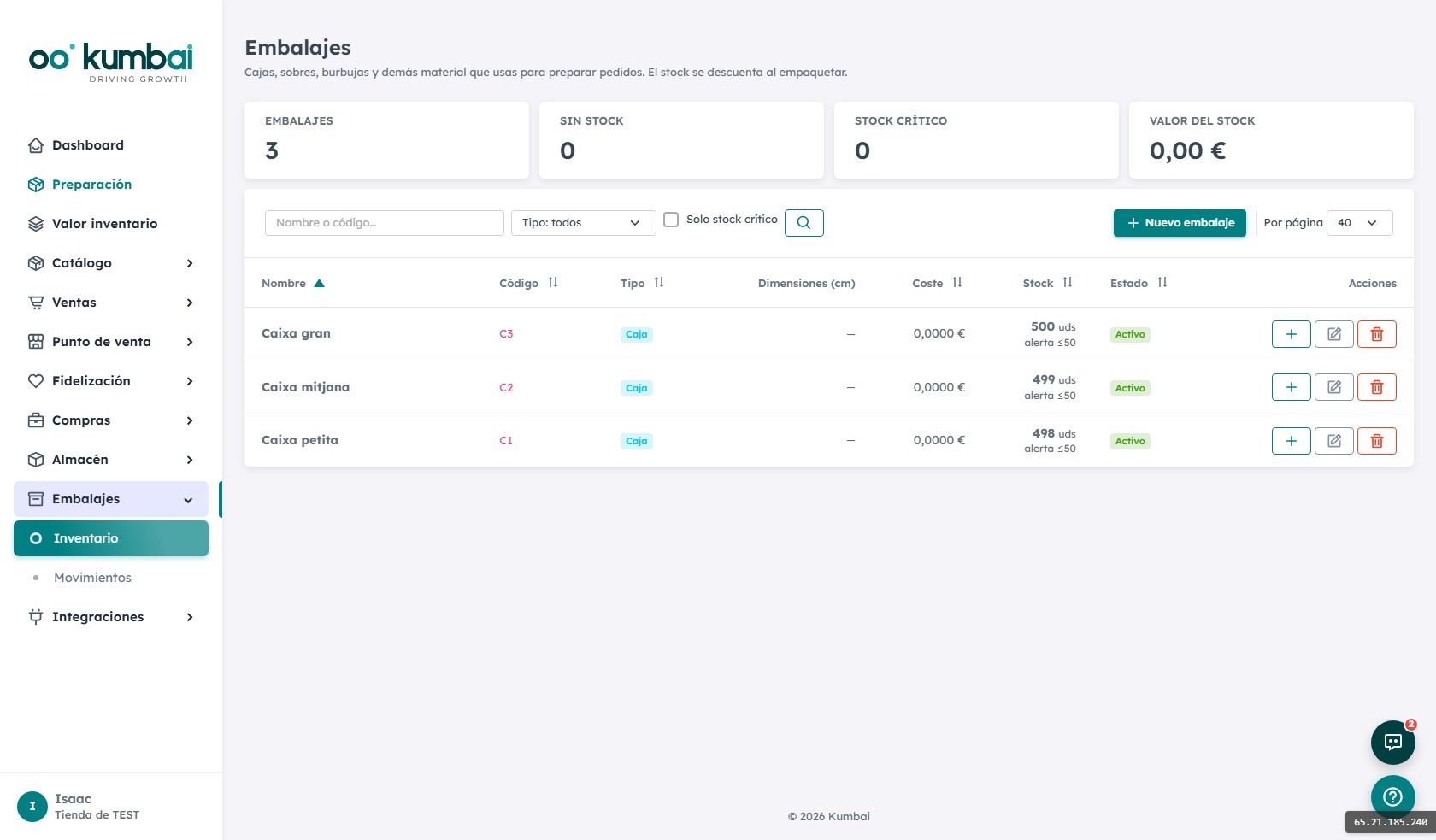
A separate inventory from the catalog: shipping materials with cost, dimensions, alerts and automatic deduction on packing an order. See real packaging spend in a 12-month chart.
Because it's not a product, it's a resource.
Packaging doesn't belong in the PIM — it doesn't sell. But it does consume, break and requires replenishment. Its own module for its own operating loop.
Types
Boxes, envelopes, bubble wrap, labels, thermal paper, tape… whatever you consume regularly. Each with its own code and stock.
Cost & dimensions
Cost per unit and physical dimensions (WxHxD). Used for reports and packaging suggestions per order.
Automatic deduction on packing
At packing, the packer selects packaging used (box + N bubble sheets + label). Stock deducts automatically with audited movements.
Low stock alerts
Every packaging has a "critical threshold". When you drop below, alert on the dashboard so you order more before running out.
Negative-stock block
Optional: you can't record use if the packaging is at 0. Force the alert to be handled.
Spend chart 12 months
Real cost of packaging by month, separated by type. Ideal for renegotiating with your suppliers.
From setup to closing the month.
- 1
You register your packaging
Boxes S/M/L, mailers, labels, tape. Each with cost, dimensions and initial stock. Optional low-stock threshold.
- 2
An order enters "Packing"
On the screen, the "Packaging used" card appears. The operator adds the box + 2 bubble sheets + 1 label.
- 3
On save, stock drops
4 audited movements (one per packaging consumed), linked to the order. Month spend updates.
- 4
Alert if you hit critical
If medium boxes drop below threshold, alert on the dashboard. Time to order before Monday.
- 5
Month close
Open the module, see spend vs. previous month, distribution by type, annual chart. Decision: renegotiate with supplier X.
How it connects with the other modules.
The most asked questions about Packaging.
Why keep packaging separate from the catalog?
How many packaging types can I have?
Can I have multiple sizes of the same box type?
What if the packer forgets to record use?
Can I track sustainability metrics?
Do I need to change my online store to use Kumbai?
What happens to my data if I cancel?
Is it GDPR-compliant?
Can I try it before paying?
Which languages are available?
How does support work?
Is there API to record consumption from an external system?
Control every box and every label.
14 days of the Growth plan, free. Register your packaging and see the automatic deduction in action.